

Game info
Character creation, Dress-up
Choose a fantasy heroine and develop a complete costume rather than a face alone. The opening screen offers six character portraits.
Overview
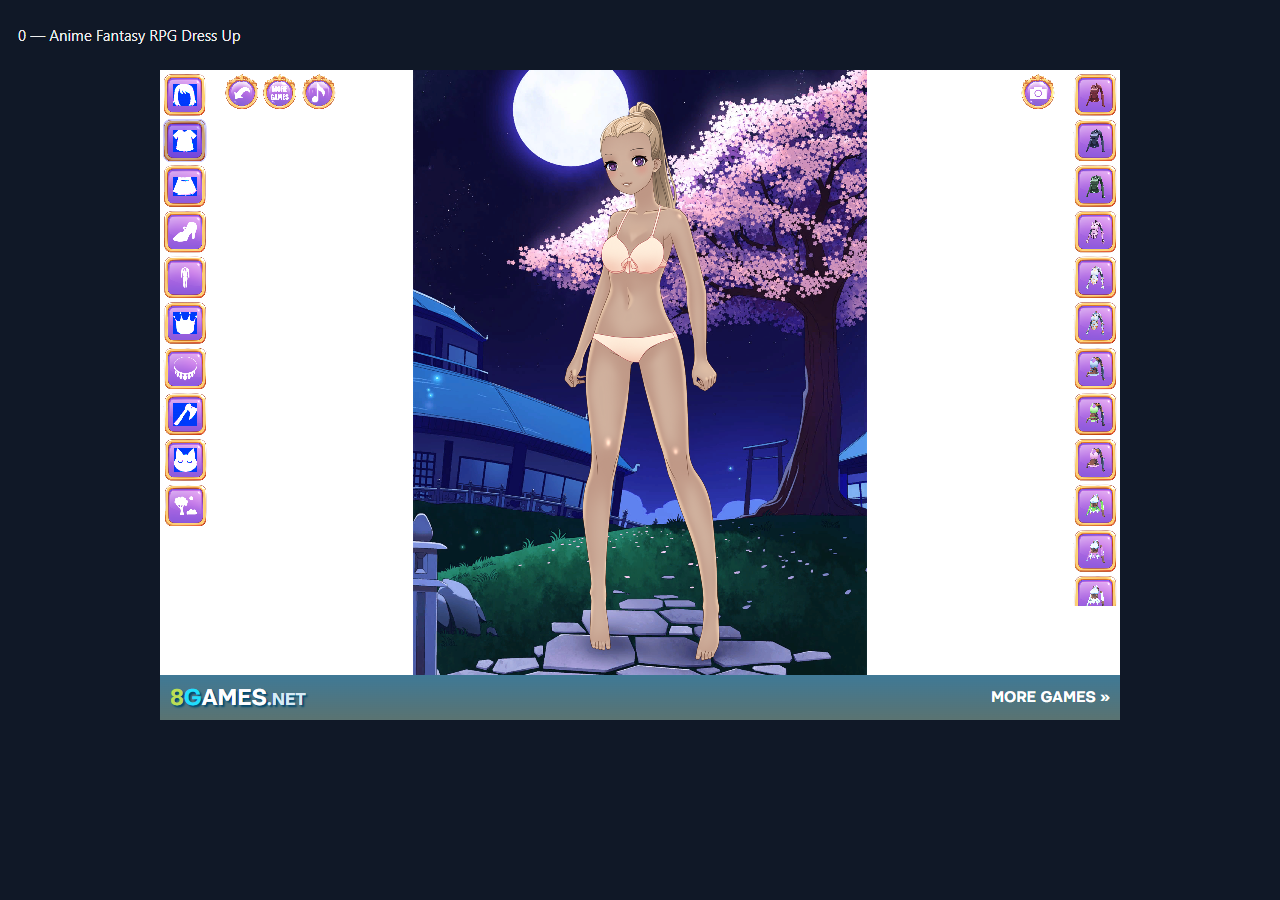
Choose a fantasy heroine and develop a complete costume rather than a face alone. The opening screen offers six character portraits. Clothing categories lead to a full-body preview, and selecting a costume changes the outfit immediately. This makes it useful for imagining an adventurer, comparing silhouettes and building a small cast with recognisable visual roles.
How to play and controls
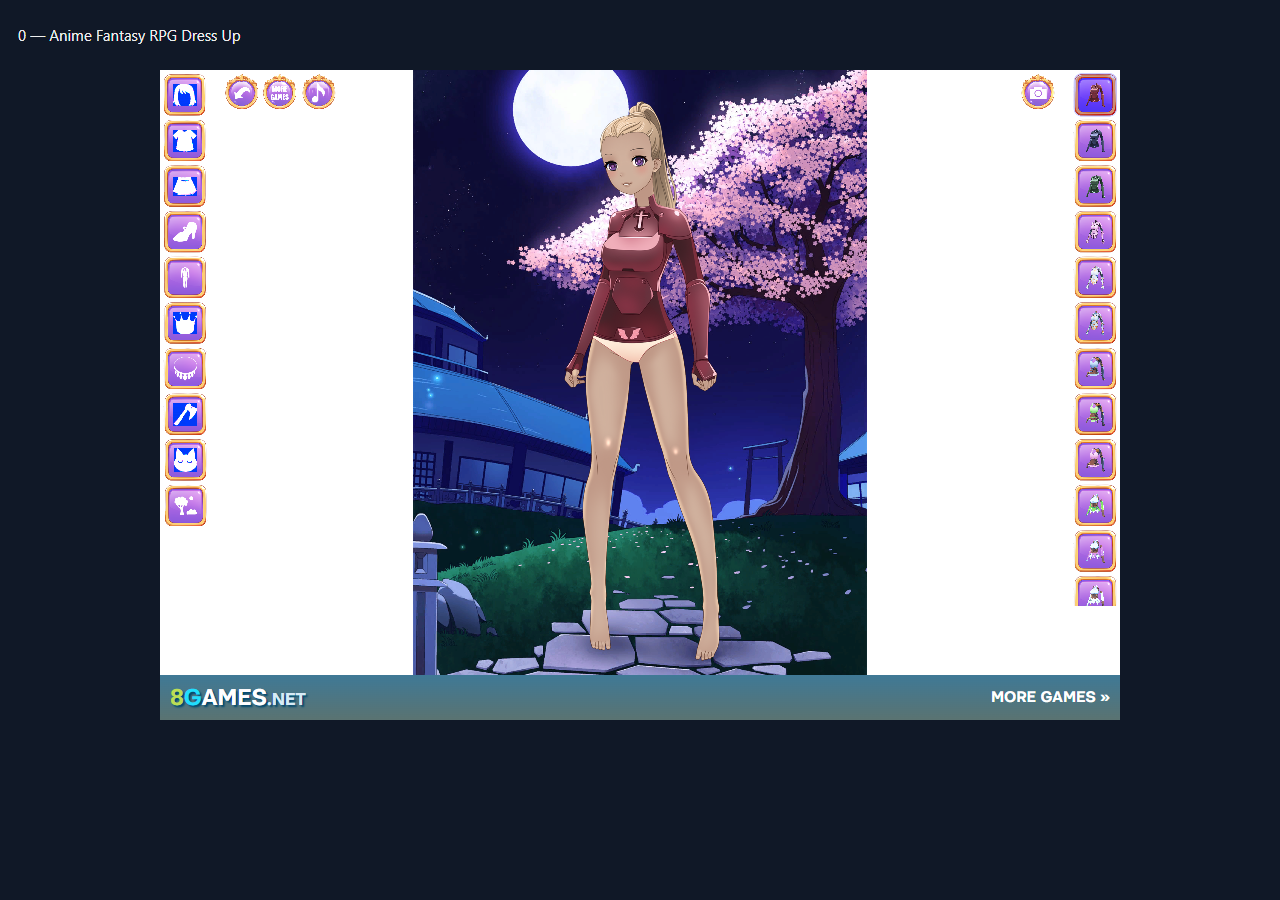
Start with a character portrait, open a clothing category and click an unmarked costume thumbnail. In the check, selecting the upper-right clothing option changed the heroine into a dark maroon outfit.
Plan a character before adding details
Give the character a small visual brief: perhaps a quiet student, a travelling mage or a cheerful friend. Choose two main colours and one accent. This gives the choices in Anime Fantasy RPG Dress Up a purpose and makes it easier to compare two hairstyles or outfits. A recognisable silhouette usually matters more than a large number of accessories, especially when the final image is viewed at a small size.
Work through the editor deliberately
Change one feature at a time and look at the full preview before moving on. Start with the face and hair, then coordinate the clothes with those colours. If an option looks wrong, revisit that category rather than changing every part of the design. Small adjustments to eyebrows, eye shape or a fringe can change the character expression while preserving the rest of the idea.
Make variations that tell a story
Once the basic look works, imagine a second version for a different situation. Keep one identifying feature, such as the hair colour or a distinctive accessory, and alter the surrounding outfit. This is a useful way to practise cast design even when the editor handles one character at a time. Take a screenshot of a favourite result if you want a reference; do not rely on unverified cloud saving or export features.
What this browser version is
Anime Fantasy RPG Dress Up is a separate character editor, not an official Lunime Gacha Life or Gacha Club browser edition. It is recommended for the shared activity of creating anime or chibi characters; native game accounts, studio tools, combat and collections should not be assumed.
Frequently asked questions
How do I control Anime Fantasy RPG Dress Up?
Start with a character portrait, open a clothing category and click an unmarked costume thumbnail. In the check, selecting the upper-right clothing option changed the heroine into a dark maroon outfit.
Is this an official Gacha Life or Gacha Club game?
Not a Lunime release or the reused Gacha Life Maker main player.
What was confirmed in the browser check?
Source loaded through13→73percent download progress into a six-character selector. Selected the upper-left character, opened the clothes category and selected a costume; the full-body preview visibly changed into the dark fantasy outfit. Distinct anime dress-up editor with hair/clothes/shoes/accessory categories and scene preview, not a Lunime app.
Good game? Tell us.0
Share a tip, celebrate a high score, or tell us what you think. Keep it friendly.